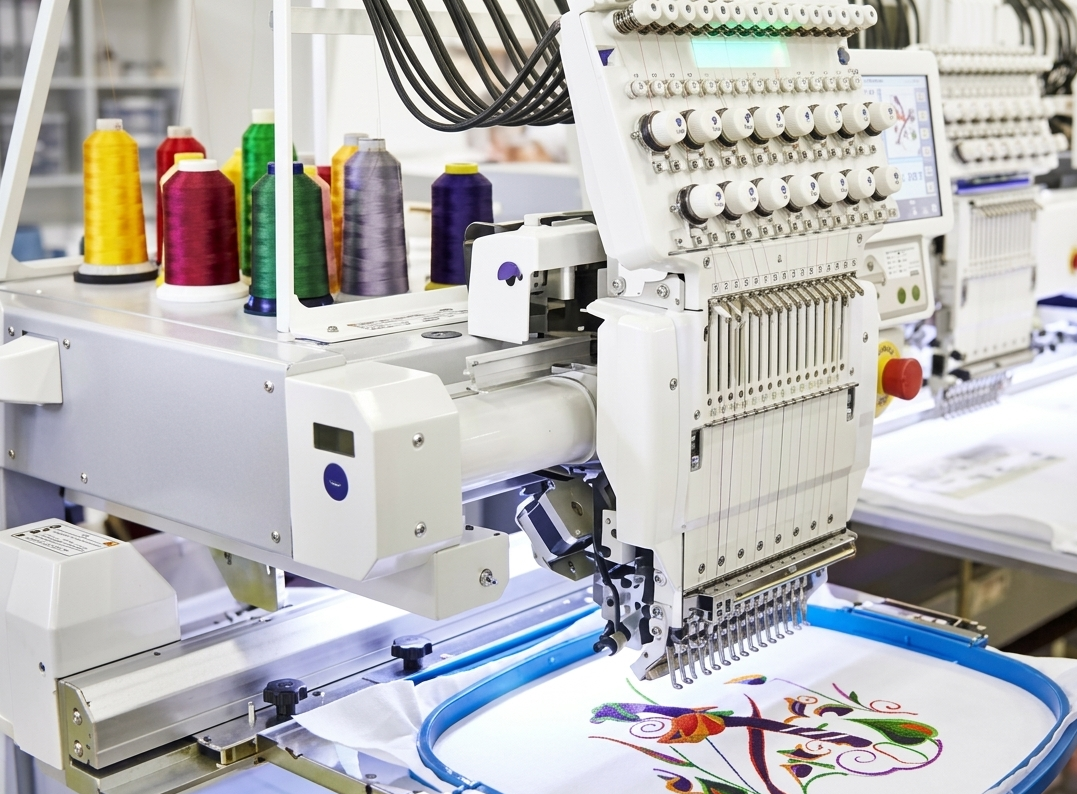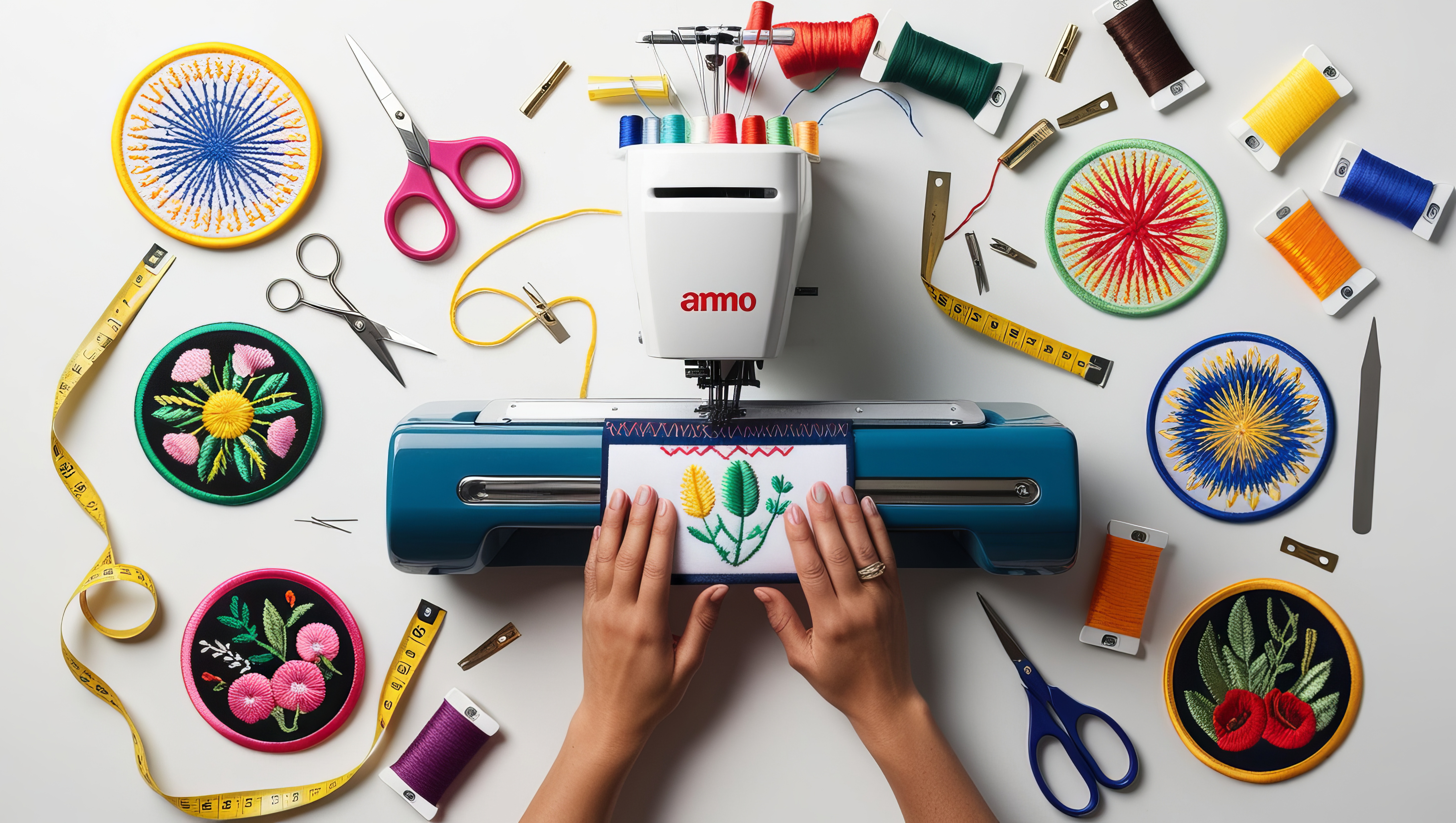

Embroidery has evolved from hand-stitched art into a precise digital craft. Today, using the right software to create embroidery designs can transform simple ideas into professional patterns ready for machines. Whether you’re a beginner or running a small embroidery business, choosing the right tool makes a huge difference in quality, speed, and creativity.
In this guide, we’ll explore the best software to create embroidery designs, including both paid and free software to create embroidery designs, so you can find the perfect fit for your needs.
Why You Need Embroidery Design Software
Modern embroidery machines require digital files. These files control stitch type, direction, density, and overall design layout. Without proper software, it’s almost impossible to achieve clean, professional results.
Good embroidery software helps you:
- Convert images into stitch files
- Customize patterns easily
- Control stitch density and direction
- Save time and reduce material waste
Top Software to Create Embroidery Designs
Below is a comparison of popular tools used by beginners and professionals:
| Software Name | Best For | Key Features | Price Type |
| Wilcom Embroidery | Professionals | Advanced editing, auto-digitizing | Paid |
| Hatch Embroidery | Small businesses | User-friendly, powerful tools | Paid |
| Brother PE-Design | Home users | Easy interface, machine compatibility | Paid |
| Ink/Stitch | Beginners | Open-source, basic digitizing | Free |
| SewArt | Hobbyists | Image conversion, simple tools | Paid |
| Embird | Intermediate users | Modular features, customization | Paid |
Best Paid Software for Embroidery Designs
Paid tools offer advanced features, better accuracy, and more control.
1. Wilcom Embroidery Software
It delivers exceptional control and accuracy for creating detailed embroidery designs. It’s widely used by professionals because of its precision and advanced digitizing features.
Pros:
- High-quality output
- Advanced stitch control
- Industry standard
Cons:
- Expensive
- Requires learning time
2. Hatch Embroidery Software
Perfect for growing businesses, Hatch offers a balance between usability and power.
Pros:
- Easy to learn
- Great for custom designs
- Strong support community
Cons:
- Premium pricing
- Requires a decent computer
3. Brother PE-Design
Ideal for home users and those using Brother embroidery machines.
Pros:
- Simple interface
- Good for beginners
- Reliable performance
Cons:
- Limited advanced features
- Works best with specific machines
Free Software to Create Embroidery Designs
If you’re just starting, free software to create embroidery designs can help you learn without investment.
1. Ink/Stitch
A popular open-source extension that works with vector software.
Pros:
- Completely free
- Good for learning basics
- Active community
Cons:
- Limited features
- Not beginner-friendly at first
2. Trial Versions of Paid Software
Many premium tools offer free trials. These are great for testing features before buying.
Pros:
- Access to premium tools
- No upfront cost
Cons:
- Limited time access
- Some features restricted
How to Choose the Right Embroidery Software
Choosing the best software to create embroidery designs depends on your needs:
- Beginners: Start with free tools like Ink/Stitch
- Hobbyists: Choose mid-range software like SewArt
- Professionals: Invest in advanced tools like Wilcom or Hatch
Also consider:
- Ease of use
- File compatibility
- Budget
- Support and updates
Key Features to Look For
When selecting embroidery software, make sure it includes:
- Auto-digitizing tools
- Manual stitch editing
- Multiple file format support
- Lettering and font tools
- Preview simulation
These features help you create clean, production-ready designs.
FAQs
1. What is the best software to create embroidery designs?
The best software depends on your level. Professionals prefer advanced tools, while beginners can start with free options.
2. Is there any free software to create embroidery designs?
Yes, tools like Ink/Stitch are popular free options for beginners.
3. Can I convert images into embroidery designs?
Yes, most embroidery software allows image-to-stitch conversion, though results improve with manual editing.
4. Do I need technical skills to use embroidery software?
Basic software is beginner-friendly, but advanced tools may require practice.
5. Which software is best for small businesses?
Mid to advanced software with strong customization features works best for business use.
Conclusion
Choosing the right software to create embroidery designs is essential for producing high-quality results. Whether you choose a premium tool or start with free software to create embroidery designs, the key is to focus on learning and improving your skills. The right software not only saves time but also opens the door to creative possibilities and business growth.
Start simple, explore features, and upgrade as your needs grow. With the right approach, you can turn your ideas into stunning embroidered designs.