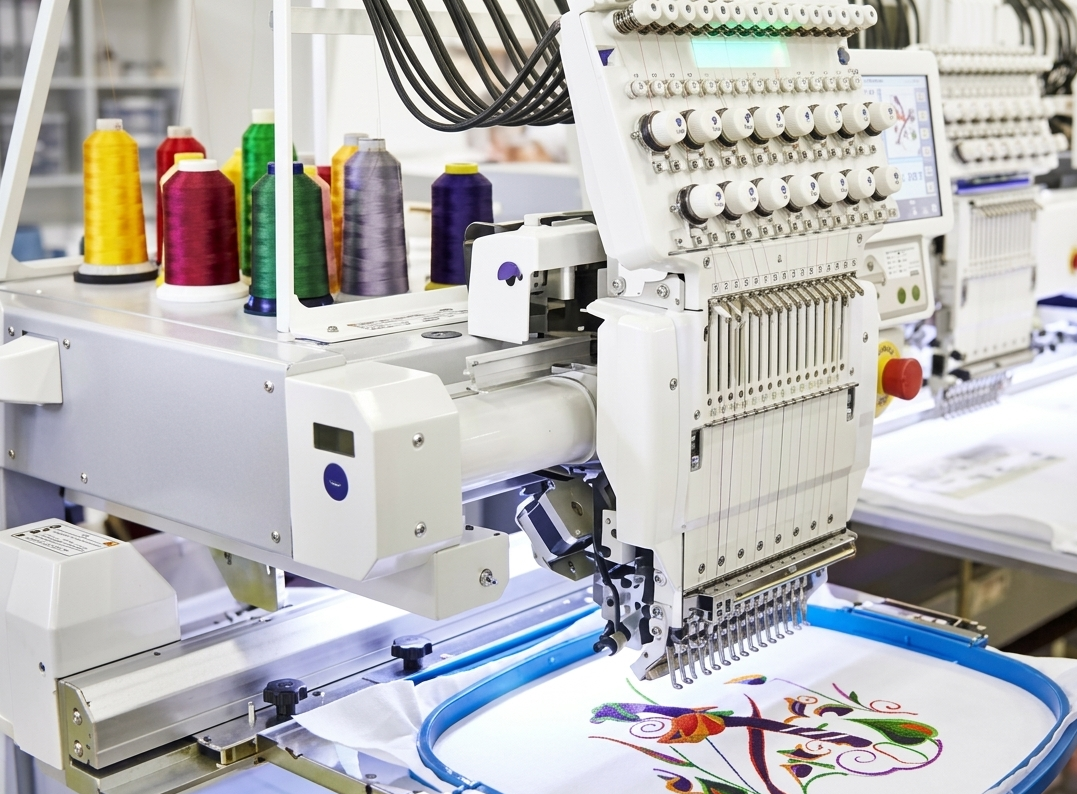
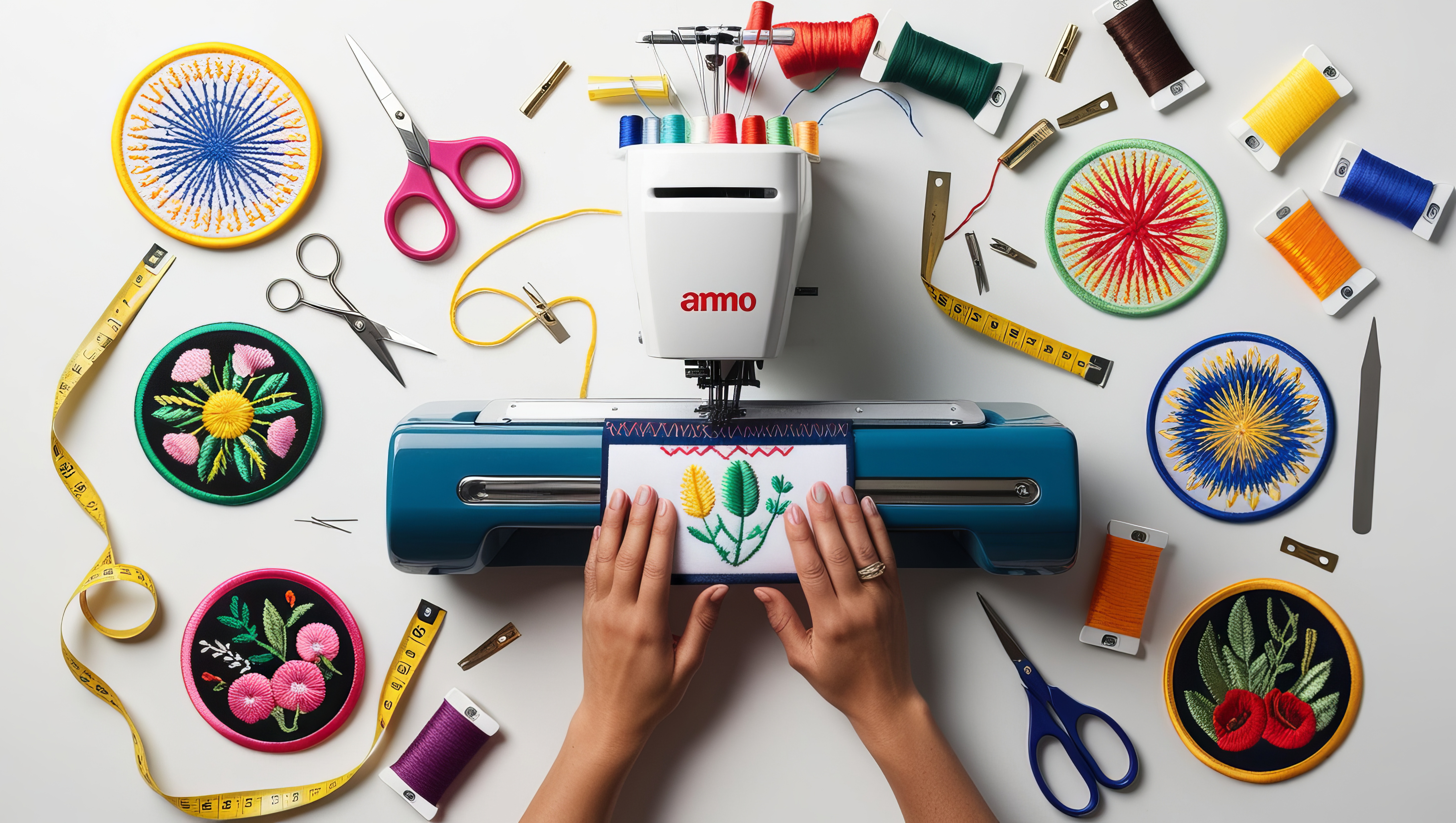
Turning a simple logo into an embroidery-ready design is more than just resizing an image. Businesses today want their branding to look sharp on uniforms, caps, and merchandise. That’s where the process of logo to embroidery becomes essential. A well-converted design ensures clean stitching, durability, and a professional appearance that reflects your brand identity.
In this guide, you’ll learn how to convert logo to embroidery file, what to consider before digitizing, and how to achieve the best results.
What Does “Logo to Embroidery” Mean?
Logo to embroidery is the process of transforming a digital logo (JPG, PNG, or SVG) into a stitch file format that embroidery machines can read. This is often called digitizing. Instead of pixels, the design is recreated using stitches, thread paths, and patterns.
This process ensures your logo looks accurate when stitched onto fabric without losing detail or structure.
Why Proper Conversion Matters
A poorly converted design can lead to broken stitches, distorted shapes, or unreadable text. That’s why businesses invest time in professional conversion.
Key benefits include:
- Clean and sharp stitching
- Consistent branding across apparel
- Reduced thread breakage
- Better durability on fabric
Steps to Convert Logo to Embroidery File
Here’s a simplified breakdown of the process:
- Choose the Right Logo Format
High-resolution images or vector files work best for embroidery conversion. - Simplify the Design
Small text, gradients, and complex details should be adjusted for stitching. - Select Stitch Types
Common stitches include satin, fill, and running stitches depending on design elements. - Assign Thread Colors
Colors are mapped to thread codes for accurate reproduction. - Digitizing the Logo
The design is manually or digitally converted into stitch paths. - Export the File
Final output is saved in embroidery formats like DST, PES, or EXP.
Logo vs Embroidery Conversion (Quick Comparison)
| Feature | Regular Logo Design | Embroidery Version |
| Format | JPG, PNG, SVG | DST, PES, EXP |
| Design Detail | High (gradients allowed) | Simplified for stitching |
| Colors | Unlimited digital colors | Limited thread colors |
| Output | Screen display | Fabric stitching |
| Scalability | Flexible | Depends on stitch density |
Pros and Cons of Logo to Embroidery Conversion
Pros
- Creates a professional and premium look
- Long-lasting branding on clothing
- Enhances brand visibility
- Works on multiple fabric types
- Ideal for uniforms and merchandise
Cons
- Complex designs need simplification
- Initial digitizing cost
- Limited color blending compared to digital graphics
- Small text may lose clarity
Best Practices for High-Quality Embroidery Results
To get the best outcome when you convert logo to embroidery file, follow these tips:
- Keep your design simple and bold
- Avoid thin lines and tiny text
- Use solid colors instead of gradients
- Test stitch before bulk production
- Choose the right fabric type
These small adjustments can significantly improve the final embroidered result.
Common Mistakes to Avoid
Many businesses make these errors during conversion:
- Using low-resolution logos
- Ignoring stitch density
- Overcomplicating the design
- Choosing incorrect thread colors
- Skipping test runs
Avoiding these mistakes saves time, cost, and material waste.
When Should You Convert Logo to Embroidery?
You should convert your logo when:
- You want branded uniforms
- You plan promotional merchandise
- You need a premium stitched look
- You want long-lasting branding
Embroidery is especially popular for caps, jackets, polos, and workwear.
FAQs
1. What file format is used for embroidery?
Popular embroidery file types include DST, PES, EXP, and JEF, each compatible with different embroidery machines and software systems.
2. Can any logo be converted to embroidery?
Yes, but complex designs may need simplification for better stitching results.
3. How long does it take to convert a logo?
Typically, it takes a few hours to a day depending on design complexity.
4. Is vector format necessary for embroidery?
It’s not required but highly recommended for better accuracy.
5. Why does my embroidered logo look different from the original?
Because embroidery uses stitches instead of pixels, some adjustments are necessary.
6. Can gradients be used in embroidery?
Gradients are usually replaced with solid colors or stitch patterns.
7. What is stitch density?
It refers to how closely stitches are placed, affecting quality and durability.
8. Is embroidery better than printing?
Embroidery is more durable and premium, while printing is better for detailed graphics.
Conclusion
The process of logo to embroidery is essential for businesses that want a polished and long-lasting brand presence on fabric. By properly planning your design and choosing the right conversion method, you can ensure your logo looks clean, professional, and visually appealing. Whether you need uniforms or promotional products, taking the time to convert logo to embroidery file correctly will make a lasting impression and strengthen your brand identity.