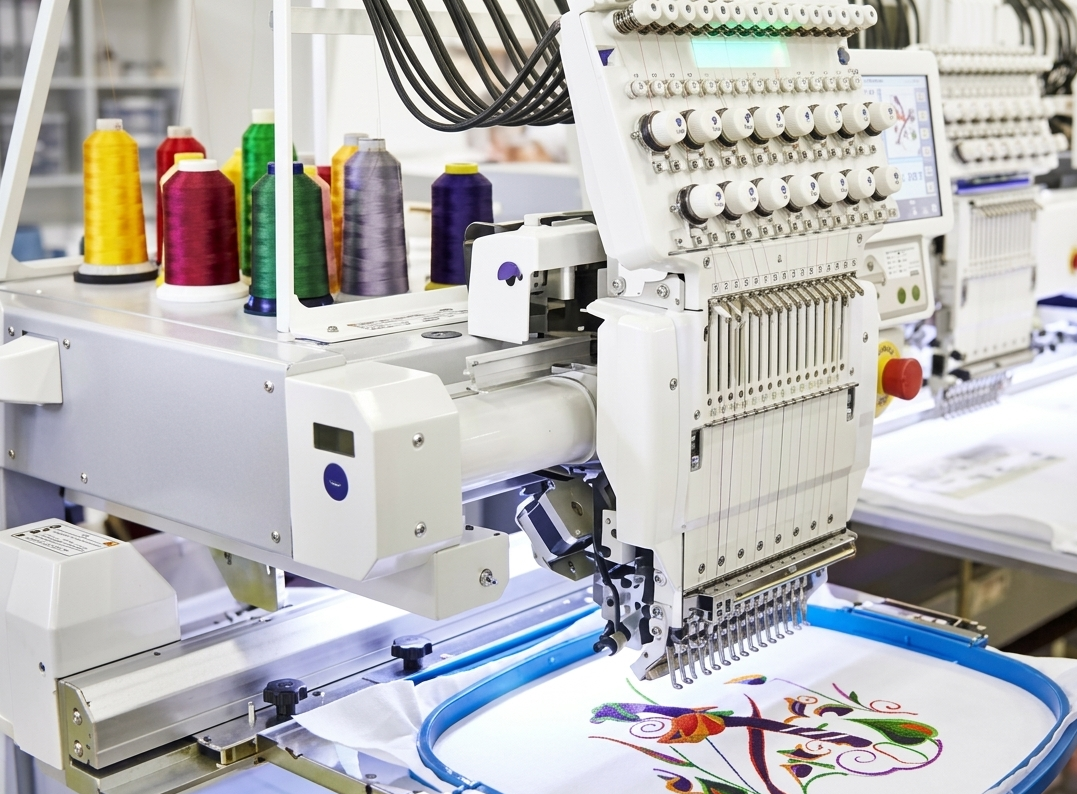
Turning a simple logo into a stitch-ready design is more than just a file conversion—it’s a detailed process that ensures your brand looks sharp on fabric. If you want to convert logo to embroidery, you need the right approach, tools, and understanding of how embroidery machines interpret designs. Whether you’re a business owner, designer, or hobbyist, knowing how to convert logo to embroidery file correctly can make a big difference in final output quality.
What Does It Mean to Convert Logo to Embroidery?
When you convert a logo into embroidery format, you’re translating a flat image into a series of stitch commands. Unlike regular image files like JPG or PNG, embroidery machines require special formats such as DST, PES, or EXP. These files guide the machine on stitch type, direction, density, and sequence.
A clean conversion ensures:
- Smooth stitching without thread breaks
- Clear logo visibility on fabric
- Proper alignment and proportion
Why Proper Digitizing Matters
A poorly digitized design can ruin the look of even the best logo. When you convert logo to embroidery file without proper adjustments, issues like overlapping stitches, uneven spacing, or broken thread paths may occur.
Professional digitizing ensures:
- Balanced stitch density
- Clean edges and borders
- Correct thread path for efficient stitching
- Reduced machine errors
Step-by-Step Process to Convert Logo to Embroidery
1. Choose a High-Quality Logo
Start with a clear, high-resolution logo. Vector formats (AI, SVG, EPS) work best because they maintain quality when resized.
2. Simplify the Design
Remove unnecessary details, gradients, or tiny text that may not translate well into stitches.
3. Select the Right Embroidery Software
Use professional digitizing software to map out stitch types such as satin, fill, or running
stitches.
4. Assign Stitch Types and Directions
Each part of the logo needs a specific stitch style to ensure clarity and durability.
5. Adjust Density and Underlay
Proper stitch density prevents puckering and ensures the design holds its shape.
6. Export to Machine Format
Finally, save the file in the required embroidery format (DST, PES, etc.).
Common File Formats for Embroidery
| Format | Used For | Compatibility |
| DST | Industrial machines | Widely supported |
| PES | Brother machines | Home embroidery |
| EXP | Melco machines | Commercial use |
| JEF | Janome machines | Personal use |
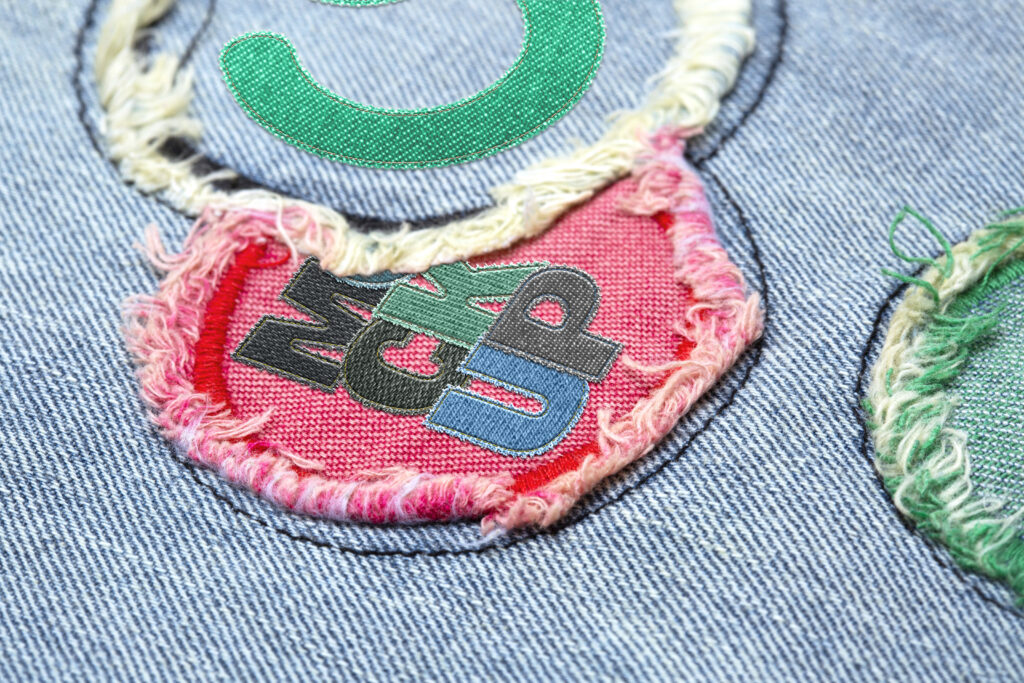
Pros and Cons of Converting Logo to Embroidery
Pros
- Gives your brand a professional, stitched look
- Durable and long-lasting design
- Ideal for uniforms, caps, and merchandise
- Enhances brand visibility
Cons
- Requires skill and proper software
- Complex logos may need simplification
- Initial setup can take time
- Poor digitizing can affect final quality
Best Practices for High-Quality Embroidery Files
To get the best results when you convert logo to embroidery file, follow these tips:
- Keep the design simple and bold
- Use solid colors instead of gradients
- Maintain proper spacing between elements
- Test the design before full production
- Choose the right fabric and thread type
Common Mistakes to Avoid
Many people rush the process and end up with poor results. Avoid these mistakes:
- Using low-resolution images
- Ignoring stitch direction
- Overloading the design with details
- Not testing the final file
- Choosing incorrect file format
Who Needs Logo to Embroidery Conversion?
This process is useful for:
- Clothing brands
- Corporate businesses
- Sports teams
- Event organizers
- Promotional product sellers
Anyone looking to add a stitched version of their logo to fabric can benefit from proper digitizing.
FAQs
1. What is the best format to convert logo to embroidery file?
DST and PES are among the most commonly used formats, depending on your machine.
2. Can any logo be converted into embroidery?
Yes, but complex designs may need simplification for better results.
3. How long does it take to convert a logo?
It depends on design complexity, but simple logos can be digitized quickly.
4. Why does my embroidery design look different from the logo?
Embroidery uses stitches, not pixels, so slight changes are normal.
5. Do I need special software to convert logo to embroidery?
Yes, professional embroidery digitizing software is required.
6. Can I convert logo to embroidery file for free?
Some tools exist, but professional results usually require paid software or services.
7. What is stitch density in embroidery?
It refers to how closely stitches are placed, affecting design quality.
8. Which fabrics work best for embroidered logos?
Cotton, polyester, and blends work well for most designs.
9. Can small text be embroidered clearly?
Very small text may need resizing or adjustment for clarity.
10. Is testing necessary before final embroidery?
Yes, testing ensures the design stitches correctly without issues.
Conclusion
Learning how to convert logo to embroidery is essential for achieving clean and professional stitching results. A well-digitized design ensures your logo looks sharp, durable, and visually appealing on any fabric. By following the right steps, avoiding common mistakes, and focusing on quality, you can successfully convert logo to embroidery file and bring your brand to life through high-quality embroidery.