Screen print designs ready to press are artwork files that are fully prepared for immediate printing. These designs do not need major edits, resizing, or color correction before going to the press. When a design is ready to press, it saves time, reduces errors, and ensures high-quality results.
In the screen printing industry, having print-ready artwork is essential. It allows printers to focus on production instead of fixing design problems. Whether you are a business owner, designer, or print shop, understanding how ready-to-press designs work can improve your workflow and final product.
What Does Ready to Press Mean?
A ready-to-press screen print design is a file that meets all technical requirements for printing. It has the correct size, proper resolution, clean lines, and accurate colors. The design is already separated if needed and does not require major changes before printing.
These designs are usually created using professional design software and follow printing standards. When artwork is ready to press, it can move directly from the computer to the screen preparation stage.
Why Ready-to-Press Designs Matter
Using screen print designs ready to press helps reduce production time. When designs arrive in perfect condition, printers do not need to fix issues like low resolution, wrong sizing, or color problems. This speeds up the printing process.
It also improves print quality. Clean artwork leads to sharp prints with smooth edges and clear details. Mistakes in design files often show up in the final print, so proper preparation is important.
Ready-to-press designs also save money. Less time spent fixing files means lower labor costs and fewer printing errors.
Key Features of Print-Ready Screen Print Designs
A design that is ready to press usually has these features:
- Correct size based on the product
- High resolution for sharp printing
- Clear and clean lines
- Proper color separation
- No unnecessary backgrounds
- Simple and well-organized layers
Each of these features helps ensure smooth printing and consistent results.

File Formats for Screen Print Designs
Common file formats for ready-to-press designs include AI, EPS, PSD, PDF, and high-resolution PNG. Vector files like AI and EPS are preferred because they can be resized without losing quality.
Raster files such as PNG or PSD can also be used if they have high resolution and clean edges. The format depends on the printer’s requirements, so it is always best to confirm before sending files.
Preparing Designs for Screen Printing
To make screen print designs ready to press, designers must follow a few important steps.
First, set the correct canvas size according to the garment or product.
Second, choose suitable colors for screen printing. Fewer colors make printing easier and cheaper.
Third, separate each color into its own layer if needed.
Fourth, remove unnecessary details that may not print well.
Finally, check the design at actual size to make sure everything looks clear.
Common Mistakes to Avoid
Many design problems can delay printing. Low-resolution images cause blurry prints. Too many colors increase cost and complexity. Thin lines may not print clearly. Wrong sizing can make designs look too big or too small on garments.
By checking these issues before sending artwork, designers can avoid delays and extra charges.
Benefits for Print Shops
Print shops benefit greatly from ready-to-press designs. They can start production faster and complete orders on time. Clean artwork reduces setup problems and waste.
It also improves customer satisfaction. When orders are delivered quickly with high quality, customers are more likely to return.
Benefits for Designers and Clients
Designers who deliver print-ready artwork look more professional. Their clients trust them more because the printing process becomes smooth.
Clients also save money and time. They do not have to pay extra for file corrections or face delays.
Ready-to-Press Designs for Different Products
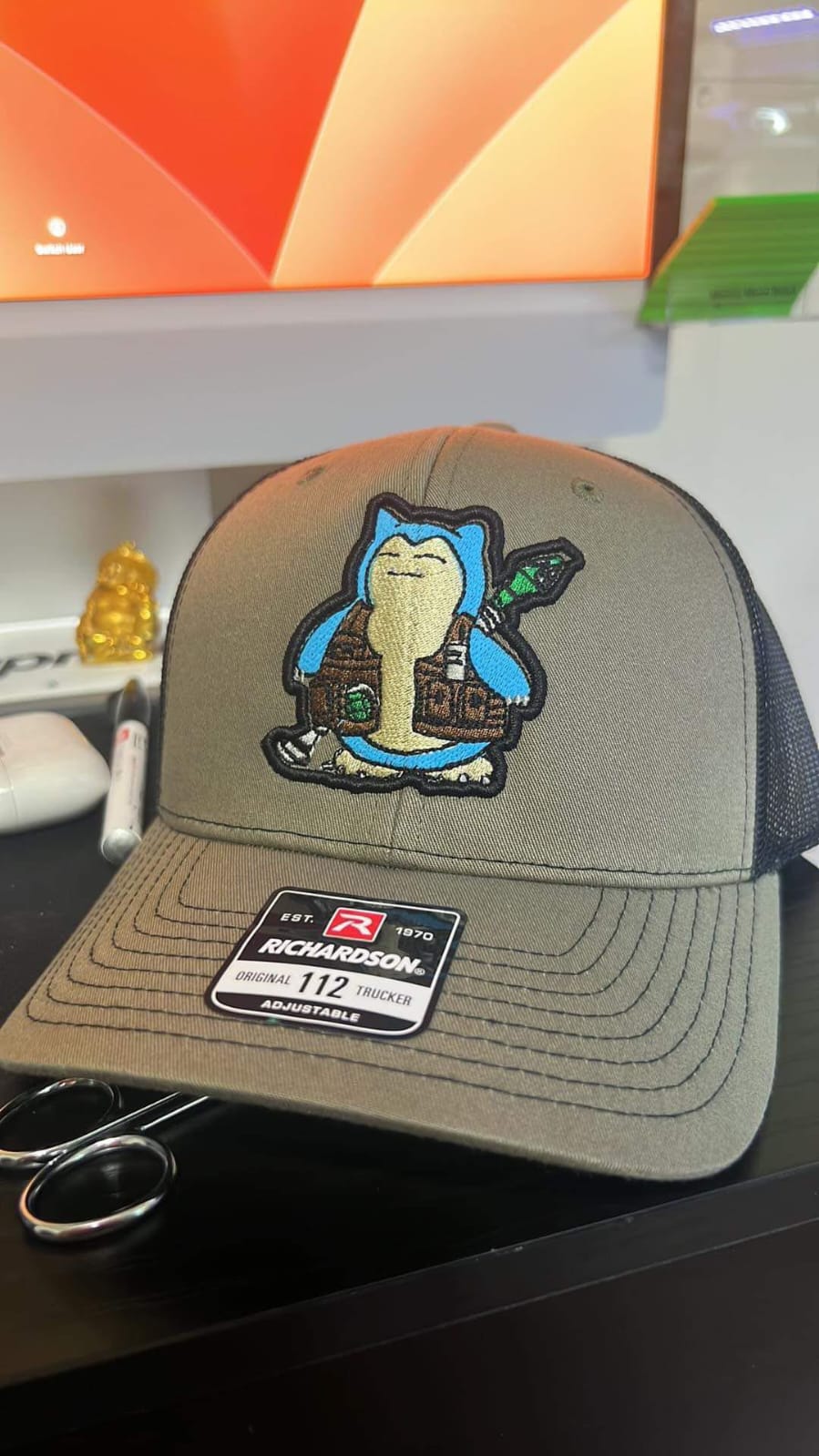
Screen print designs ready to press can be used for many products. These include T-shirts, hoodies, jackets, tote bags, caps, posters, and promotional items.
Each product may have different size and color requirements, so designs should be prepared based on the specific item.
Quality Control Before Printing
Prior to printing, carefully examine the design to ensure accuracy.Check spelling, alignment, colors, and size. A small mistake in the file can lead to a large printing error.
Some printers also provide test prints or digital previews. This helps confirm that everything looks right before full production.
Role of Communication in Print-Ready Designs
Good communication between designers and printers is very important. Designers should ask about file requirements before creating artwork. Printers should clearly explain what they need.
This teamwork ensures that designs are truly ready to press and production runs smoothly.
Conclusion
Screen print designs ready to press make the printing process faster, easier, and more reliable. They help reduce errors, improve quality, and save time for both designers and print shops.
By following proper design steps, using correct formats, and checking artwork carefully, anyone can create screen print designs that are truly ready to press and deliver excellent results.