
Screen printing demands precision, clarity, and consistency. One of the biggest factors that determine print quality is the type of artwork used. This is where vector art for screen printing becomes essential. Whether you’re printing on t-shirts, hoodies, posters, or promotional items, vector artwork ensures clean lines, accurate colors, and professional results.
In this guide, we’ll explain what vector art is, why it’s better than raster images for screen printing, and how it improves print efficiency and quality.
What Is Vector Art?
Vector art is artwork created using mathematical paths rather than pixels. Unlike raster images (JPEG, PNG), vector files can be resized infinitely without losing quality. The most widely accepted vector file formats for design and printing are AI, EPS, SVG, and PDF.For screen printing, this means every line, curve, and shape remains sharp no matter the print size.
Why Vector Art Is Important for Screen Printing
In screen printing, ink is applied to a surface by pressing it through a finely woven mesh screen.Any flaw in the artwork directly affects the final print. Vector art eliminates many common problems.
Key Reasons Vector Art Is Preferred:
- Crisp and clean edges
- No pixelation or blurriness
- Easy color separation
- Scalable to any size
- Faster screen preparation
- Reduced production errors
Printers rely on vector files because they simplify the entire printing process from setup to final output.
Vector Art vs Raster Images for Screen Printing
Understanding the difference between vector and raster is critical.
Raster Images:
- Made of pixels
- Lose quality when enlarged
- Difficult to separate colors
- Often cause jagged edges in prints
Vector Artwork:
- Made of paths and curves
- Scales without quality loss
- Ideal for spot colors
- Produces smooth, sharp prints
For professional screen printing, raster images usually need conversion into vector format before production.
How Vector Art Improves Print Quality
Using vector art for screen printing directly impacts the final result.
1. Sharp Lines and Details
Vector paths ensure that text, logos, and fine details print cleanly without distortion.
2. Accurate Color Separation
Screen printing relies on individual screens for each color. Vector files make color separation precise and efficient.
3. Consistent Results
Vector artwork ensures that prints look identical across different sizes and batches.
4. Better Ink Control
Clean vector shapes help control ink flow, preventing smudging or bleeding.
Common Uses of Vector Art in Screen Printing
Vector art is widely used across different screen printing applications:
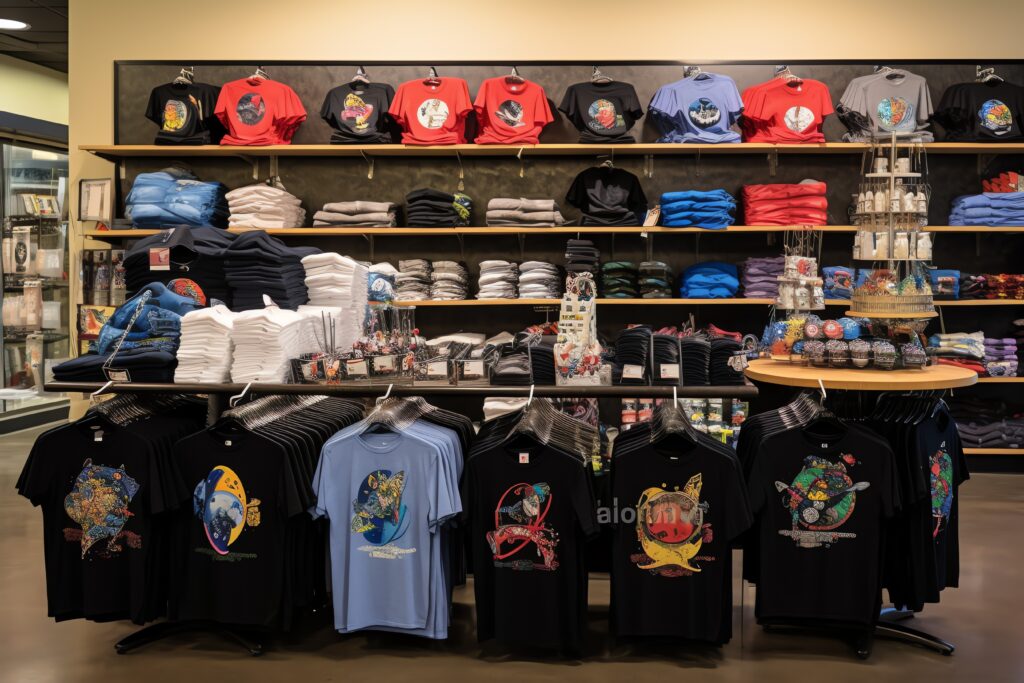
- T-shirt and apparel printing
- Logo printing on uniforms
- Promotional merchandise
- Signage and posters
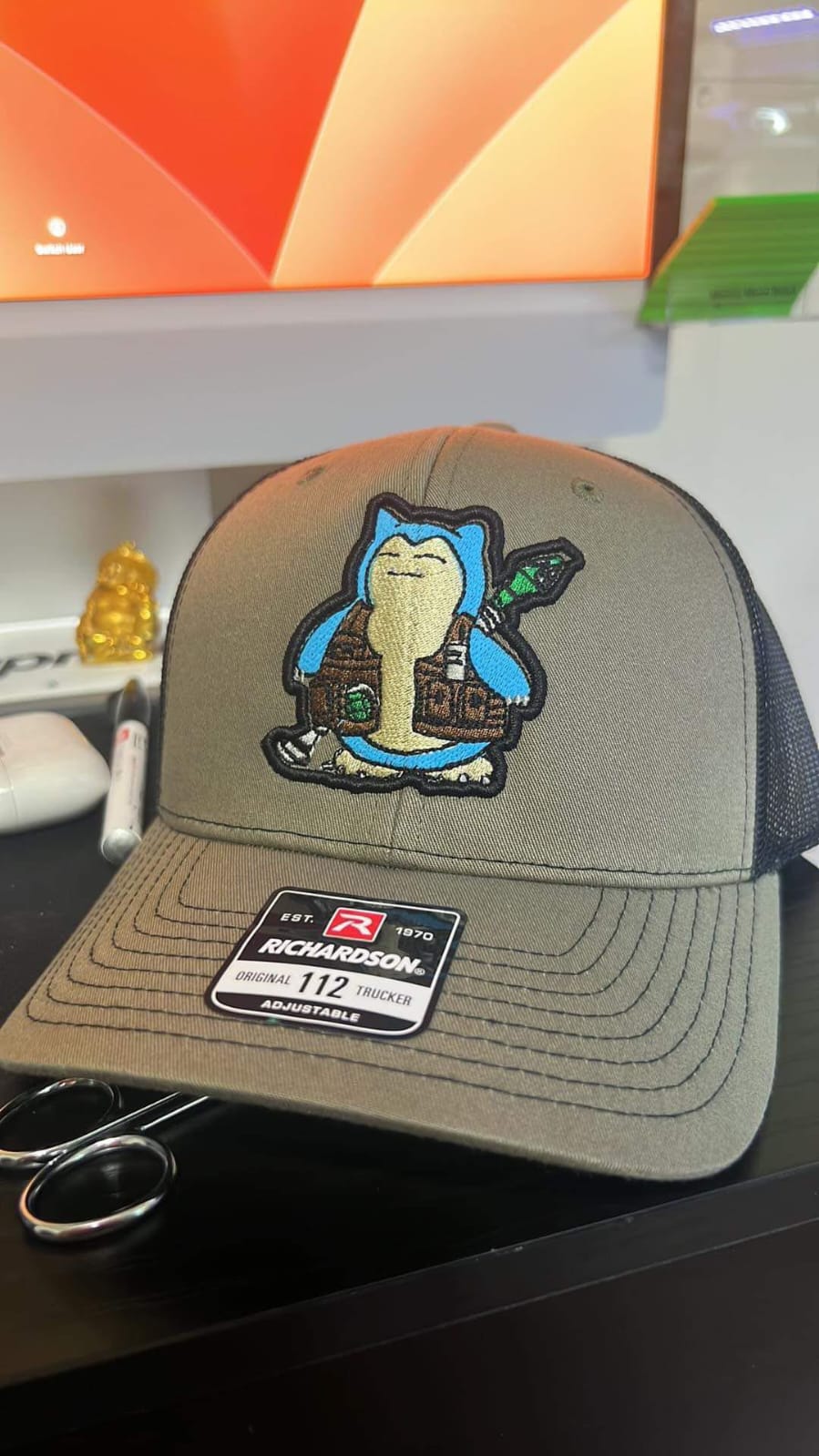
- Brand labels and patches
Any project that requires durability and professional appearance benefits from vector artwork.
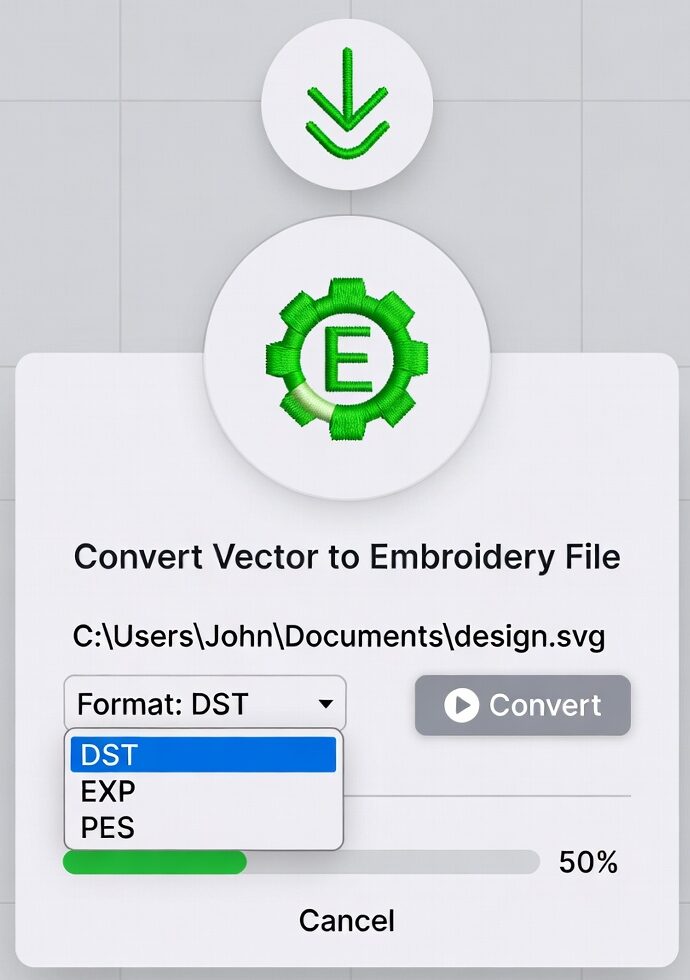
How Artwork Is Converted into Vector for Screen Printing
Not all designs start as vector files. Many logos and images are initially raster-based. The conversion process involves:
- Redrawing artwork using vector tools
- Cleaning edges and curves
- Adjusting line thickness
- Separating colors for printing
- Ensuring print-ready dimensions
Professional vector conversion ensures accuracy and preserves the original design intent.
Common Mistakes to Avoid
Even with vector art, mistakes can affect screen printing quality.
- Using too many colors unnecessarily
- Ignoring minimum line thickness
- Poor color contrast
- Overlapping paths
- Low-quality auto-traced vectors
Clean, well-prepared vector art saves time, cost, and frustration during printing.
Best File Formats for Screen Printing
While vector art is key, choosing the right file format matters too.
Preferred formats include:
- AI (Adobe Illustrator)
- EPS
- PDF (vector-based)
- SVG
These formats maintain editability and compatibility with screen printing workflows.
FAQs
What is the best artwork format for screen printing?
Vector formats like AI, EPS, and PDF are best because they provide clean lines and scalable quality.
Can raster images be used for screen printing?
They can be used, but usually need to be converted into vector format for best results.
Why does screen printing require vector art?
Vector art ensures sharp edges, accurate color separation, and consistent print quality.
Is vector art necessary for small designs?
Yes. Even small designs benefit from vector clarity and precision.
Can vector art reduce printing costs?
Yes. Clean vector files reduce setup time, errors, and reprints, saving money.
Final Thoughts
Using vector art for screen printing is not just a recommendation—it’s a requirement for professional results. Vector artwork ensures clean prints, accurate colors, and smooth production. Compared to raster images, vector files offer unmatched flexibility and reliability.
Whether you’re printing apparel, branding materials, or promotional items, investing in proper vector artwork leads to better quality, fewer mistakes, and satisfied customers. For anyone serious about screen printing, vector art is the foundation of success.