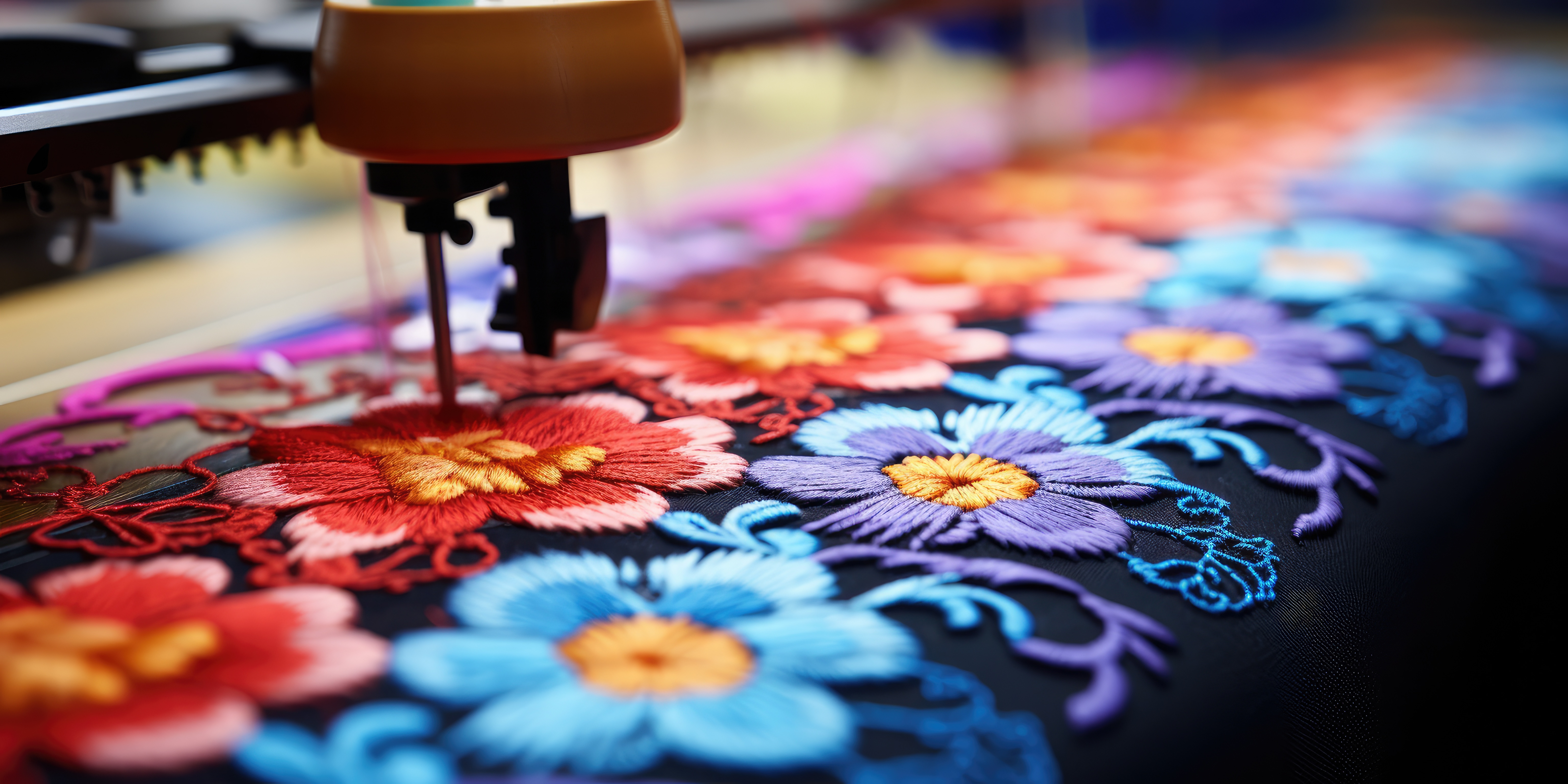
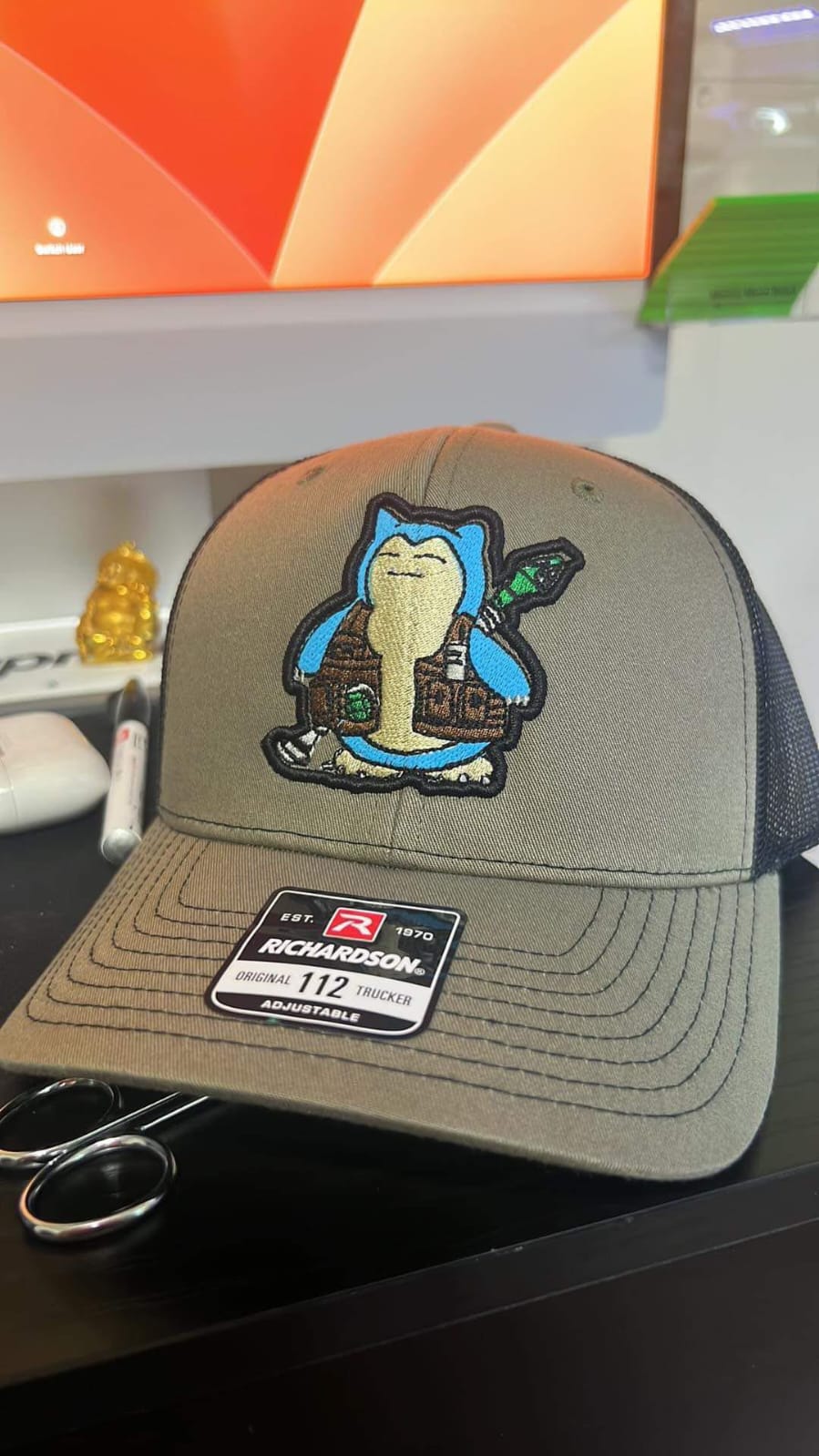
Embroidery has become one of the most popular ways to showcase brand identity on clothing, uniforms, and promotional products. However, before a logo can be stitched onto fabric, it must be converted into a special embroidery file. This process is known as digitizing a logo for embroidery.
Many people search for ways to digitize logo for embroidery online free or find quick tools that can convert images into embroidery-ready files. While there are several tools and solutions available, understanding the process and choosing the right method can significantly improve the final stitching quality.
This guide explains how logo digitizing works, the tools available online, and the best approach for achieving professional embroidery results.
How Logo Digitizing Works in Embroidery
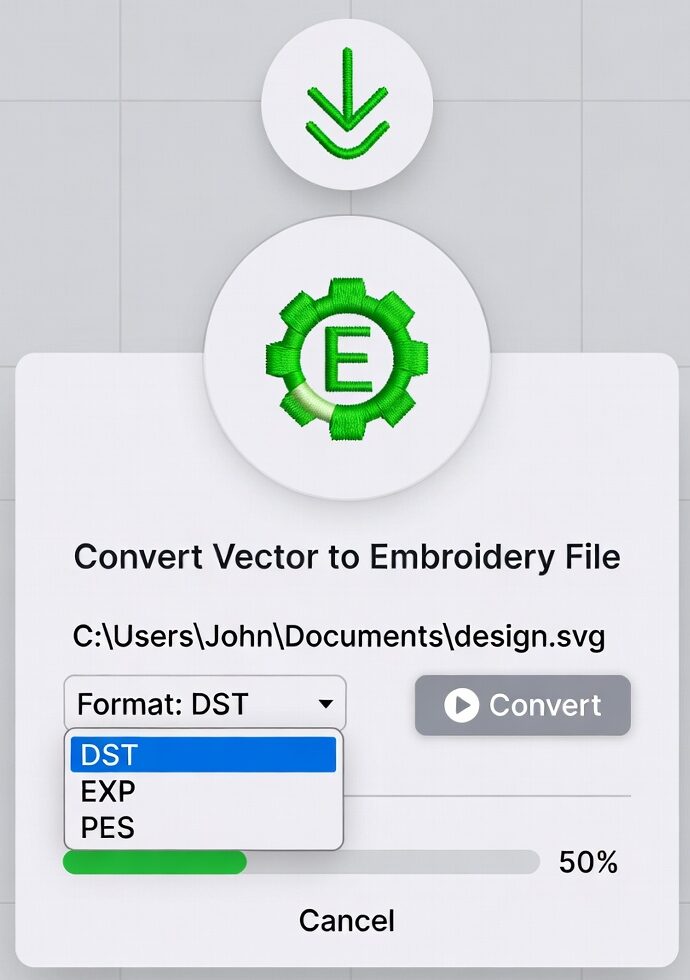
Digitizing a logo for embroidery means converting a regular image file (such as PNG, JPG, or SVG) into a stitch file that embroidery machines can read. Unlike normal images, embroidery machines require instructions that tell them:
- Stitch direction
- Stitch type
- Thread color changes
- Stitch density
A digitized file acts as a blueprint for the machine to follow while stitching the design onto fabric.
Without proper digitizing, embroidery machines cannot interpret the image correctly, which often leads to poor stitching results.
Digitize Logo for Embroidery Online Free: Is It Possible?
Many online platforms claim to digitize logo for embroidery free. Some automated tools allow users to upload a logo and generate a simple stitch file instantly.
These free tools can be helpful for basic designs, but they usually have limitations such as:
- Limited stitch control
- Poor handling of complex logos
- Reduced design accuracy
- Limited file format options
Free tools may work for very simple logos, but professional embroidery usually requires more advanced digitizing techniques.

Digitize Logo for Embroidery Online: Available Methods
There are generally three main ways to digitize a logo for embroidery online.
1. Automatic Digitizing Software
Some online tools automatically convert images into embroidery files. These tools are quick and convenient.
Advantages:
- Fast conversion
- Easy for beginners
- No technical skills required
Disadvantages:
- Limited customization
- Not suitable for complex logos
- Stitch quality may be inconsistent
This option is often used by beginners who want to experiment with embroidery digitizing.
2. Embroidery Digitizing Software
Professional software allows users to manually control stitch types, density, and directions.
Popular features include:
- Custom stitch paths
- Advanced editing tools
- Multiple embroidery file formats
- High precision design control
This method produces much better results, but it requires time and experience to master.
3. Professional Digitizing Services
Another common approach is outsourcing the work to professional embroidery digitizers. Experts analyze the design and manually create stitch patterns that ensure smooth embroidery results.
Benefits include:
- Accurate stitch placement
- Better fabric compatibility
- Cleaner design output
- Reduced thread breaks
Many businesses choose this option when quality is a top priority.
Key Steps to Digitize Logo for Embroidery
Regardless of the method used, the digitizing process generally follows these steps:
1. Prepare the Logo
The first step is selecting a high-quality logo file. Clean vector images work best because they maintain clarity during conversion.
2. Choose Stitch Types
Different parts of a design require different stitch types, such as:
- Satin stitches for lettering
- Fill stitches for large areas
- Running stitches for outlines
Selecting the correct stitch type ensures the logo looks neat after stitching.
3. Adjust Stitch Direction
Stitch direction plays a major role in how light reflects on embroidered designs. Proper alignment improves the overall appearance.
4. Set Thread Colors
Digitizers assign thread colors based on the original logo design. This step ensures the embroidered version matches the brand identity.
5. Export the Embroidery File
Finally, the design is saved in a format compatible with embroidery machines, such as DST, PES, or EXP.
Comparing Free Tools vs Professional Digitizing
When exploring options to digitize logo for embroidery online, it is important to understand the difference between automated tools and expert digitizing.
Free online tools can quickly generate embroidery files, but they often lack the precision required for professional-quality embroidery. Designs created through automated systems may produce uneven stitches or poor detailing.
On the other hand, professional digitizing focuses on stitch accuracy, proper density, and fabric compatibility. This leads to smoother embroidery and better visual results.
For small personal projects, free tools might be sufficient. However, for branded apparel or business use, higher-quality digitizing methods are typically more reliable.
FAQs
What file format is used for embroidery machines?
Common embroidery file formats include DST, PES, EXP, and JEF. The format depends on the embroidery machine brand.
Can I digitize a logo for embroidery online free?
Yes, some online tools offer free digitizing options. However, these tools may have limited control over stitch quality and design accuracy.
Why does embroidery digitizing require special software?
Embroidery machines require stitch instructions rather than image data. Digitizing software converts the design into machine-readable stitching patterns.
What Is the Typical Time Needed to Digitize a Logo?
Simple logos may take a few minutes with automated tools, while complex designs can require more time when manually digitized.
Can any image be converted into embroidery?
Most images can be converted, but complex graphics may need adjustments to ensure smooth stitching results.
Final Thoughts
Learning how to digitize logo for embroidery is essential for creating high-quality embroidered designs. Whether using automated tools, specialized software, or professional digitizing services, the goal is always the same: producing clean and accurate stitch patterns that bring the design to life on fabric.
Free online tools can be a good starting point for beginners exploring embroidery digitizing. However, for logos that represent businesses or brands, precision and quality are critical. Understanding the digitizing process and selecting the right method can make a significant difference in the final embroidered result.