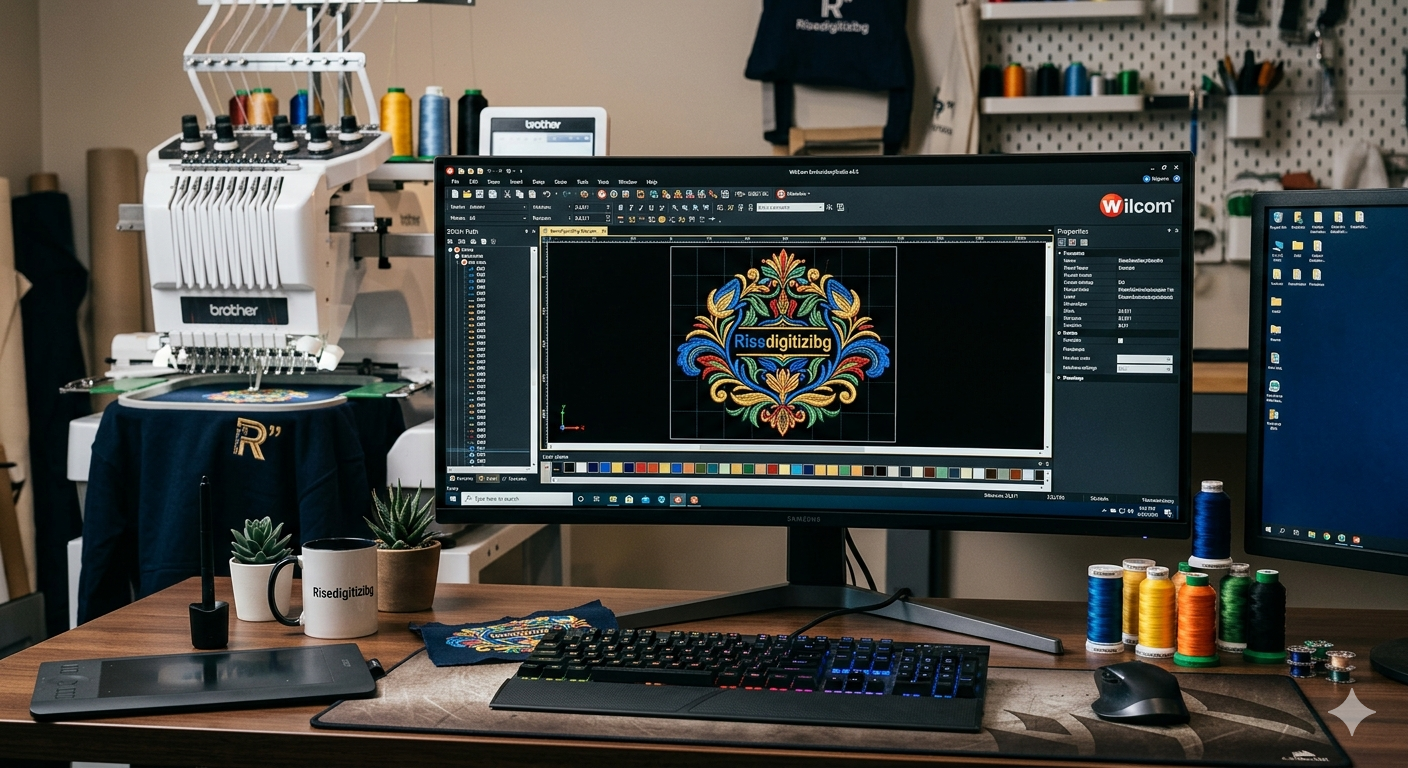
Creating strong screen print designs is the first step to getting high-quality printed clothing and merchandise. Whether you are printing t-shirts, hoodies, tote bags, or caps, the design must be clear, clean, and prepared correctly. A good design not only looks great but also prints smoothly without wasting time or materials.
This guide explains how to create screen print designs, the tools you need, and compares different methods so you can choose what works best for you.
Step 1: Understand Screen Printing Basics
Screen printing requires a different screen for every color used in the artwork.Ink is pushed through the screen onto fabric. Because of this, designs must be simple, clear, and well separated by color.
Key points to remember:
- Each color = one screen
- Simple designs print better
- Bold lines last longer
Step 2: Choose the Right Design Software
You need design software that supports vector or high-resolution artwork.
Popular Options
- Adobe Illustrator
- CorelDRAW
- Photoshop
- Inkscape
Vector-based programs are better for screen printing because they keep lines sharp at any size.
Step 3: Create or Import Your Design
You can either:
- Draw your design from scratch
- Convert an image into vector format
- Edit an existing logo or artwork
Make sure the design is clean, centered, and balanced. Avoid tiny details that may not print well.

Step 4: Limit the Number of Colors
Too many colors increase cost and printing time. Try to use:
- 1–3 colors for simple prints
- 4–6 colors for detailed designs
Use flat colors instead of gradients when possible.
Step 5: Prepare for Color Separation
Color separation means dividing your design into individual colors, each for its own screen.
Check that:
- No colors overlap by mistake
- Each color is clearly separated
- Black areas are solid and clean
Step 6: Set the Correct Size and Resolution
Your design must match the printing size.
Standard t-shirt design size:
- Width: 10–12 inches
- Height: 12–14 inches
If using raster images, keep resolution at 300 DPI.
Step 7: Export in Print-Ready Format
Best formats for screen printing:
- AI
- EPS
- SVG
- High-resolution PNG
Always confirm with the printer what file type they prefer.
Comparison: Design Methods for Screen Printing
Method 1: Hand-Drawn Design
Pros:
- Unique and artistic
- Personal style
Cons:
- Needs digitizing
- Can lose detail
Best for: Artistic brands and custom art styles
Method 2: Vector Design Software
Pros:
- Clean lines
- Easy color separation
- Scales without quality loss
Cons:
- Requires design skills
Best for: Logos, text designs, professional prints
Method 3: Photo-Based Design
Pros:
- Realistic look
- Good for portraits
Cons:
- Hard to separate colors
- Needs editing
Best for: Limited edition or special prints
Comparison Table
| Method | Quality | Ease | Cost | Best For |
| Hand-Drawn | High | Medium | Medium | Artistic prints |
| Vector Design | Very High | Medium | Low | Logos, text |
| Photo-Based | Medium | Hard | High | Special designs |
Common Mistakes to Avoid
- Using too many colors
- Low-resolution images
- Thin lines that break in print
- Not checking color separation
- Wrong file format
Tips for Better Screen Print Designs
- Use bold fonts
- Keep spacing between elements
- Test small samples first
- Use strong contrast
- Always preview before printing
FAQs
1.Which file format works best for screen printing?
AI, EPS, or SVG are best because they keep designs sharp at any size.
2. How many colors should a screen print design have?
Ideally 1 to 3 colors for simple and cost-effective printing.
3. Can I use photos for screen printing?
Yes, but they must be edited and separated properly.
4. What size should my design be for t-shirts?
Usually 10–12 inches wide and 12–14 inches tall.
5. Why is color separation important?
Each color needs its own screen, so clean separation ensures accurate printing.
Final Thoughts
Learning how to create screen print designs is about planning, simplicity, and accuracy. By choosing the right software, limiting colors, preparing clean artwork, and comparing design methods, you can create designs that look great and print perfectly. Whether you are printing for a brand, business, or personal project, a well-prepared design is the key to professional results.